Start with how the team works
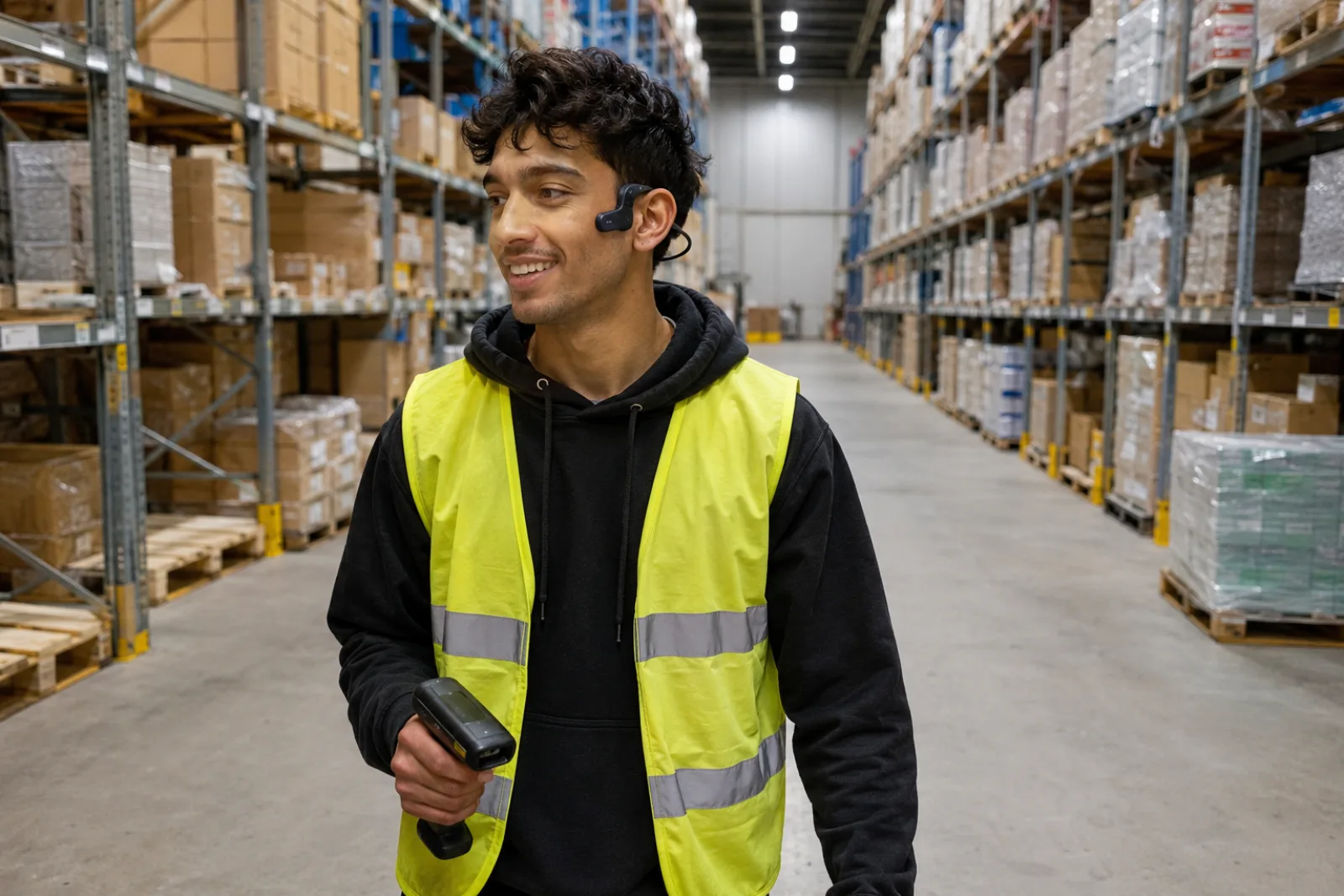
Non-desk or deskless groups include people whose primary work is not performed at a computer: manufacturing, field service, retail, logistics, hospitality, healthcare, construction and field sales are common examples.
Many of these colleagues use email and smartphones. The difference is when and how they can use them. Ask each team where they currently get updates and what would make catching up easier.
What non-desk employees say about communication
Staffbase and YouGov surveyed 3,574 employees in six countries in 2025. In that study, 29% of non-desk participants were satisfied with internal communication, compared with 47% of desk-based participants. Only 9% of non-desk participants were very satisfied.
The same study reported that 45% of non-desk participants felt not really or not at all informed about the reasons behind company changes. These are self-reported perceptions. They do not identify a single cause or prove that a particular channel failed.
A separate, widely cited 2018 estimate from Emergence Capital put the global non-desk workforce at roughly 80%. It is useful for understanding potential scale, but it is not a fresh 2026 census.
Explore these findings in the report highlights, where you can download the full report with its sources.
Check what each team needs to get the message
Identity
Does the person have an address, account or employee record recognised by the channel?
Device
Is a personal or shared device available, permitted and usable in the relevant location?
Time
Is there a realistic moment during or around the workday to read, watch, attend or listen?
Language and ability
Is the message available in the language and accessible format the group needs?
Safety and policy
Can people read or listen safely at that moment? Check workplace rules and any tasks that need their full attention.
Evidence
Have colleagues tried the channel themselves? Record what works and where they need help.
Use formats for the jobs they perform well
Useful for searchable written detail, links and a persistent record when the intended recipient has realistic inbox access.
Employee app or intranet
Useful as a destination for news, documents and structured resources when login, device and discovery are workable.
Manager briefings
Useful for local interpretation and dialogue. Document what must remain consistent and avoid making the manager the only source of truth.
Print and signage
Useful for persistent visibility in a physical location. Keep the message concise and provide a route to detail.
Live meetings
Useful for discussion, sensitive change, questions and immediate clarification. Attendance should not be treated as attention or understanding by itself.
Private audio
Useful as an additional version of recurring context when a group has a suitable listening window but limited opportunity for focused reading.
Where private audio fits
- The message already exists in written form.
- It is recurring and benefits from tone or explanation.
- Colleagues have a safe moment to listen.
- The group can use a compatible podcast app.
- Access needs to be private and revocable.
- You want to learn which episodes people return to.
- Someone can turn existing updates into short episodes.
Bring one team's weekly update to life in audio
Choose one group
Start with 20-50 people who share similar access and safety conditions.
Reuse one message
Convert one recurring update per week. Keep the original written source available.
Learn from listeners
Review activation, starts and completion. Ask colleagues what was useful, and keep track of the time spent publishing.
Review after four weeks
On day 28, review the episodes with the team. Decide what to keep, what to improve and whether to invite another group.
Frequently asked questions about deskless internal communication
Does deskless mean employees do not have email?
No. Many non-desk employees have email or smartphones. Ask when they can use them during the day and whether they can easily find the updates they need.
Should every message be available as audio?
No. Audio is useful for stories, explanations and recurring updates. Keep written or visual versions for detailed instructions, accessibility and anything people need to look up later.
Can employees listen while operating equipment?
Do not listen when the task requires hearing warnings or responding to equipment. Follow workplace rules on headphones and devices, and choose a break away from machinery instead.
How should access be measured?
List the teams who need the update and ask them to try getting it on the devices they use. Mark access as verified, partial or unknown. Check understanding separately with a question or a conversation.
What is a good first pilot?
Start with one team's weekly update. Turn it into a short episode, keep the written version available and help colleagues subscribe in a compatible podcast app. Ask for feedback and review together after four weeks.
Find a better way to keep your team in the loop
Start with an update you have already written. Turn it into audio and give your team another way to catch up.